
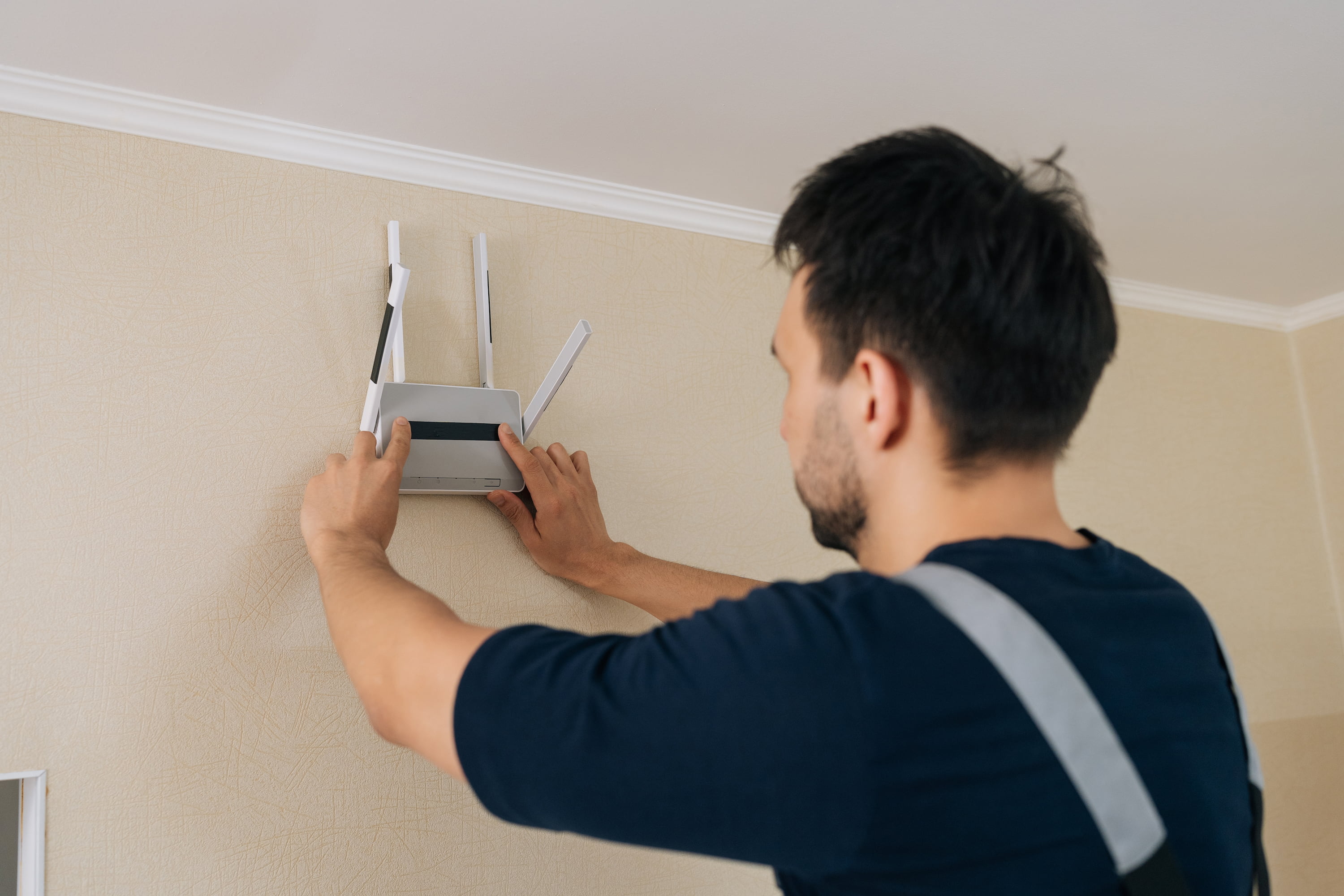
Commercial wireless demands go well beyond getting a router online. Offices, warehouses, and multi-level facilities may need dependable coverage across large footprints while supporting dozens or even hundreds of connected devices throughout the day.
As usage grows, weak signal areas and dropped connections can start affecting productivity and day-to-day operations. Professional Wi-Fi network installation addresses those demands from the start by accounting for the building layout, device load, and coverage requirements before equipment is placed.
Keep reading to see what a properly designed wireless setup should account for in a commercial environment.
Is it worth hiring a professional to install Wi-Fi?
In many business environments, yes. What appears simple at first often involves more planning than expected, including signal interference and coverage across an entire building rather than just one room. The tools that make that planning possible, from spectrum analyzers to site survey software, are rarely on hand for an owner or a small in-house IT team, and that gap is usually what separates a system that runs quietly from one that needs troubleshooting weeks later.
Why signal strength is harder to predict than it looks
A router placed in the wrong location can leave entire sections of a building with weak or nonexistent coverage. The problem may not become obvious until devices begin dropping connections. Building materials and nearby electronics can affect how far the signal reaches, so testing from a single room rarely tells the whole story.
A professional installer surveys the whole space and tests coverage in different areas rather than working from a floor plan. That difference shows up again for businesses managing multiple office locations at once, since each building responds differently to the same equipment.
How much equipment does the space actually need?
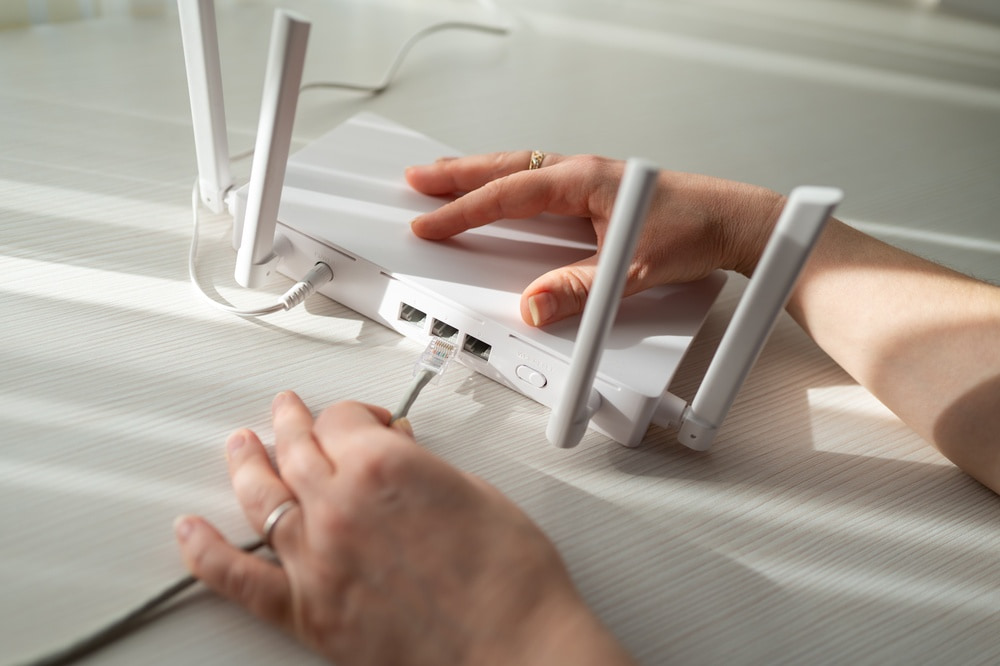
It can be tempting to assume one router will cover an entire office, but most commercial spaces need more than that to avoid dead spots and slow speeds during busy hours. How many wireless access points your space requires depends on the size of the space and the number of devices expected to connect at the same time.
Guessing runs in both directions, either paying for equipment nobody needed or leaving half a floor uncovered. A professional determines the appropriate number based on the actual space rather than relying on a rule of thumb from another project.
Why configuration matters after equipment is installed
Choosing the right hardware is only part of the job. The system also has to be configured around how the business will use it, including connected devices, employee access, and security requirements.
Default settings are where most self-installed systems stop, though securing a wireless local area network takes considerably more than what ships out of the box. Problems may not become obvious immediately, but they can surface once everyday usage increases.
What ongoing problems usually trace back to
Recurring connection issues do not always come from a single faulty device. Finding out why Wi-Fi dead zones keep coming back may uncover interference, changing usage demands, or areas that were never properly accounted for during the original assessment. Adding another access point on top of an unassessed problem tends to move the symptom rather than remove it.
Who offers expert Wi-Fi network installation near me?
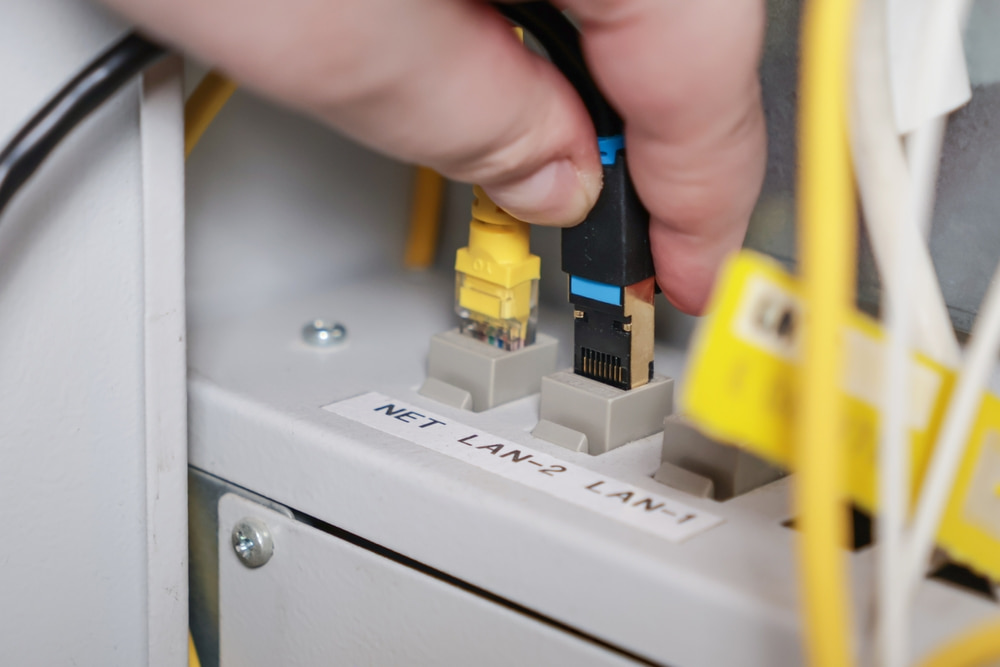
Network Cabling designs wireless systems around the way each building is actually used, not around a one-size-fits-all equipment list. With 30+ years of experience, the company can assess the space, map out coverage needs, test for interference, and configure access points based on the demands of the office.
From businesses near Torrey Pines State Natural Reserve to offices elsewhere in San Diego County, a properly planned system can help reduce dead zones and recurring connection issues. Reach out today to schedule an assessment and build a wireless setup that works more reliably from one end of the workplace to the other.