
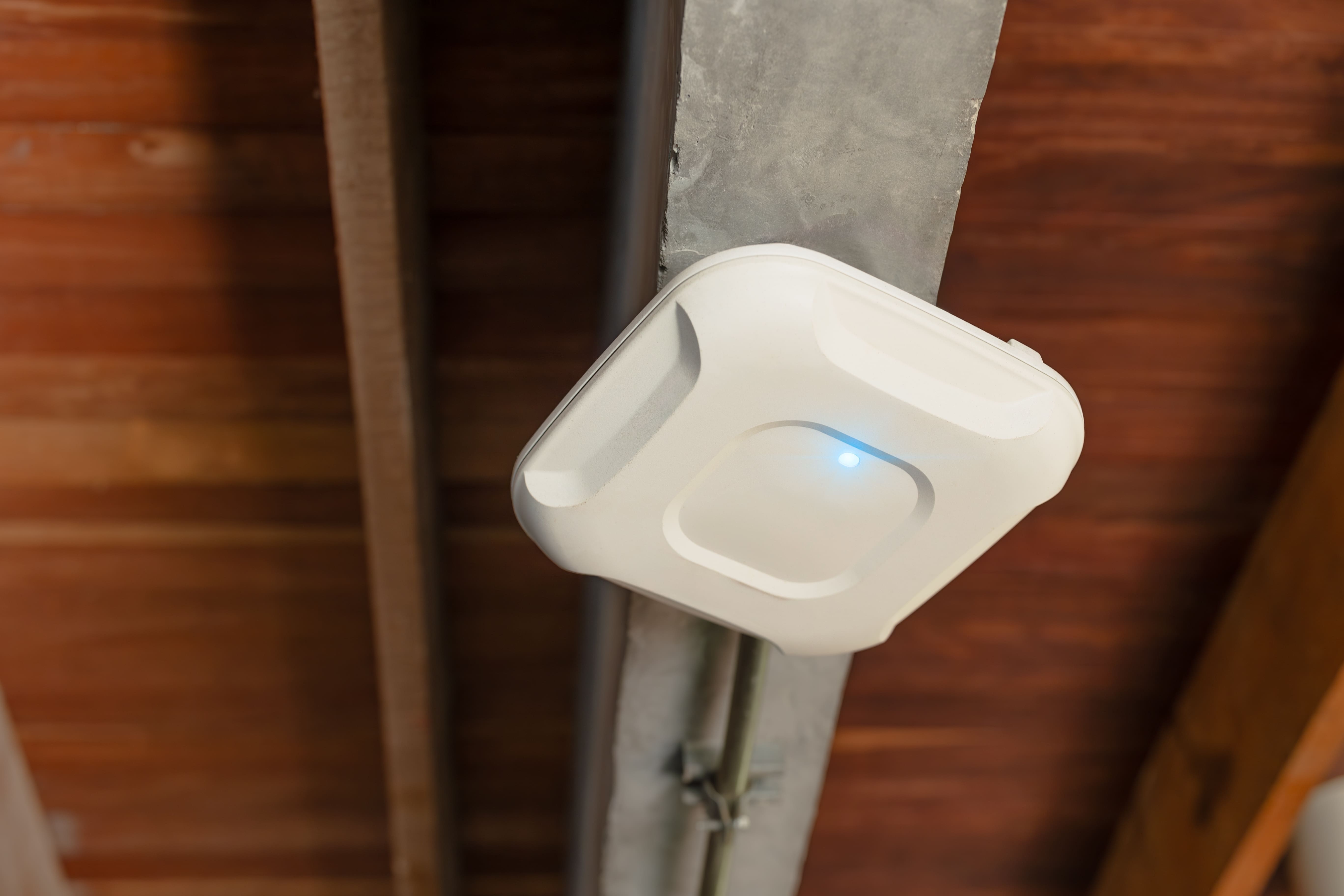
Access-point planning can look straightforward on paper. Measure the building, estimate the coverage area of each unit, and divide one number by the other. But in reality, properties rarely work that neatly. Walls, floors, connected devices, room use, and interference all affect how far a signal can travel and how much demand each access point needs to handle.
As experienced WiFi network installers, we look at the building and how people actually use the connection before deciding how many access points belong in the space. Square footage gives us a starting point, but it cannot tell us everything we need to know. In today’s post, we take a look at what factors into that calculation before equipment is selected.
How do I calculate how many access points I need?
There is no universal access-point-to-square-footage ratio that works for every business. A useful estimate needs to account for both coverage and capacity. Coverage tells us where a dependable signal needs to reach. Capacity considers how many devices and applications each access point may need to support at once.
Start with the physical space
The floor plan gives us the basic shape of the coverage area, but the materials and features within the building can change how radio signals travel.
Walls, floors, and other barriers
Concrete, masonry, metal, multiple floors, dense shelving, and other physical features can weaken or alter a signal. An open office therefore requires a different approach than a property divided into enclosed rooms or a warehouse filled with racks and equipment.
The frequency band matters too. The 2.4 GHz and 5 GHz bands have different coverage characteristics, and 5 GHz can also encounter different levels of interference and congestion. That is why square footage alone is not enough to determine the final count.
Areas with heavier demand
Not every room places the same demands on the system. Conference rooms, training areas, shared workspaces, and waiting rooms can have a high concentration of active devices at certain times.
The same principle applies when planning consistent coverage across multiple locations. Each property needs to be evaluated according to its own layout, occupancy, and everyday use rather than assuming the same equipment count will work at every site.
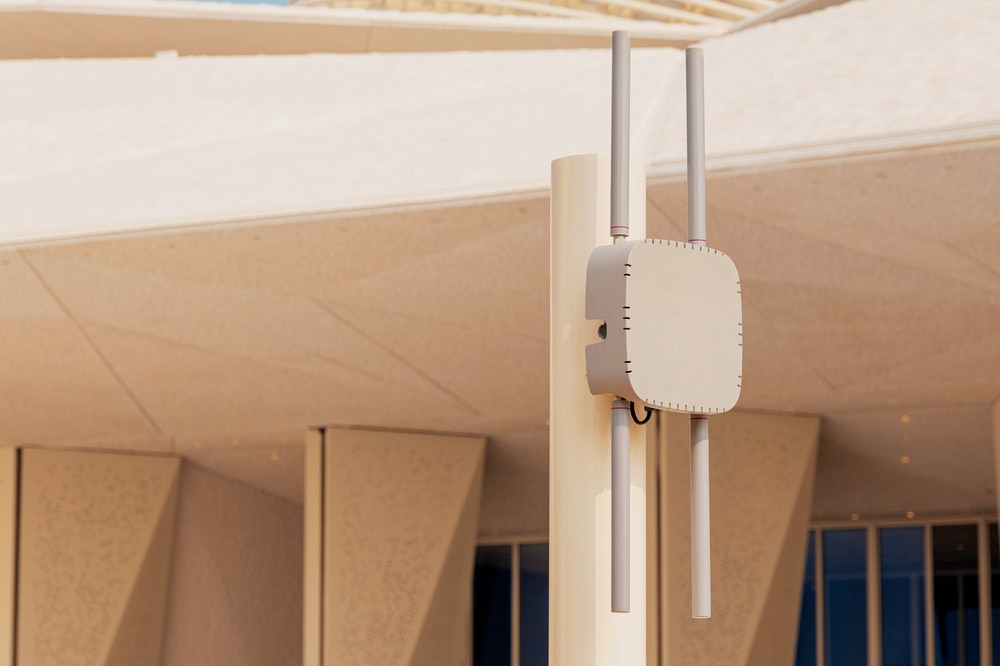
Calculate around users and devices
A strong signal does not automatically mean an access point has enough capacity for all the devices connected to it.
Count realistic device demand
We look at the number of people expected in each area and how many devices they are likely to connect. Laptops, phones, tablets, scanners, VoIP equipment, and other connected hardware all contribute to demand. Busy periods matter as well. A conference room may sit empty for much of the morning and then become one of the network’s busiest areas during a large meeting.
Consider what those devices are doing
Basic browsing places different demands on the network than video meetings, voice traffic, cloud applications, or large file transfers. Device count therefore needs to be considered alongside how those devices are actually being used. This is where professional planning for business setups becomes valuable. Adding units based only on signal strength can leave busy areas under-supported or create unnecessary overlap elsewhere.
A site survey confirms the estimate
The initial calculation gives us a working number. A site assessment shows whether those assumptions hold up under the building’s actual conditions.
What we look for on site
A professional survey can reveal:
- Physical barriers that reduce signal strength
- Sources of interference
- High-density areas that need more capacity
- Suitable mounting locations
- Areas where coverage should overlap for roaming
Those findings can change both access-point placement and the total number required before the final setup is completed.
Testing after deployment
The work does not stop once the equipment is in place. We also need to confirm that the completed setup performs as expected.
Signal testing and interference checks can show whether placement needs to be adjusted or another factor is affecting performance. These checks can also expose what creates weak coverage areas before those problems become a regular frustration for employees or customers.
Our process includes site assessment, access-point placement, configuration, signal validation, and interference testing. That allows us to base the final layout on real conditions within the property rather than estimates alone.
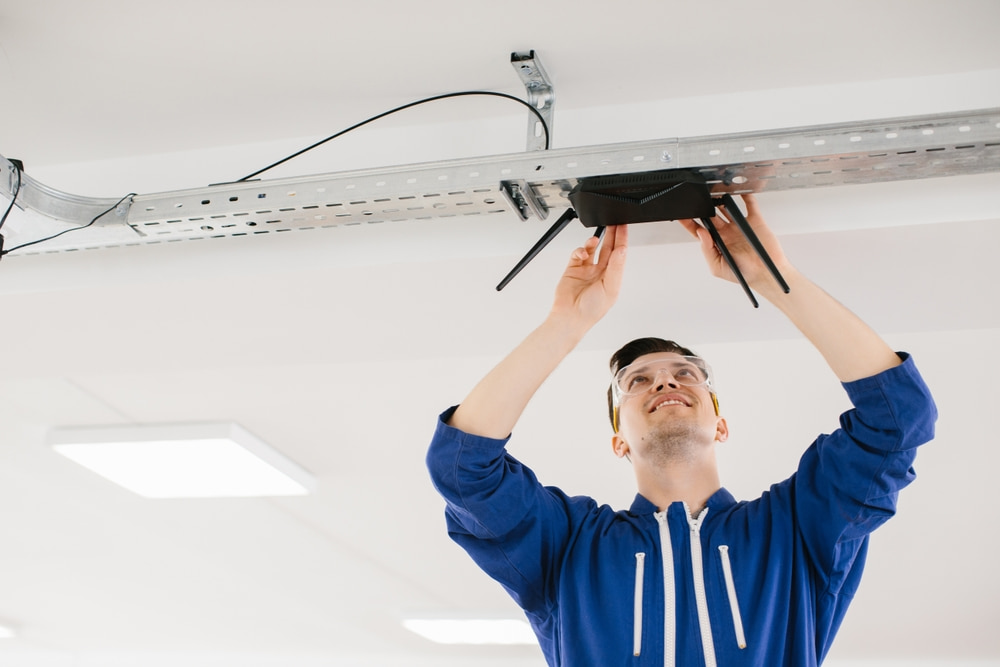
Which reliable Wi-Fi network installers can plan coverage for my business in San Diego?
We can determine the number and placement of access points based on the actual conditions inside your facility. At Network Cabling, we begin by assessing the property, coverage goals, expected users, device demand, and existing infrastructure before developing the deployment plan.
For businesses near Balboa Park and elsewhere in San Diego, we can plan the network around how employees, customers, and connected devices use the space. Our team also handles placement, cabling, configuration, integration, and final performance testing. Contact us to discuss your facility and request a quote.